
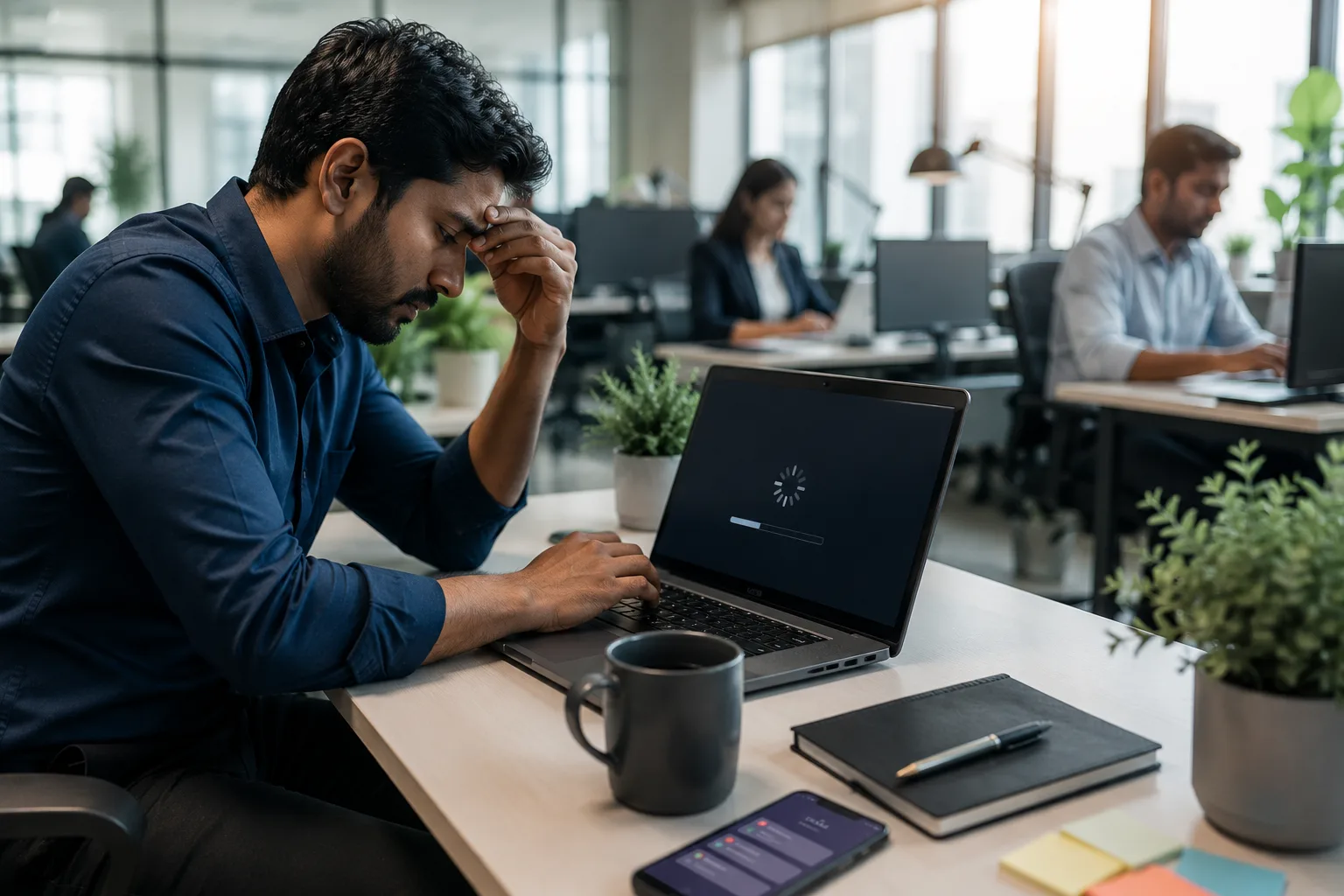
We've all been there.
You open your laptop to send an urgent email or join an important meeting, only to stare at a loading screen that seems to last forever. Applications take ages to open, files refuse to load, and even browsing the internet becomes frustrating.
Your first thought might be, "Maybe it's time to buy a new laptop."
But here's the good news: not every slow laptop needs replacing. In many cases, professional Laptop Repair Services can restore your laptop's speed and performance at a fraction of the cost of purchasing a new device.
Before you spend thousands on a replacement, here are 10 signs that your laptop simply needs expert attention from a trusted Computer Service Center.
1. Your Laptop Takes Forever to Start
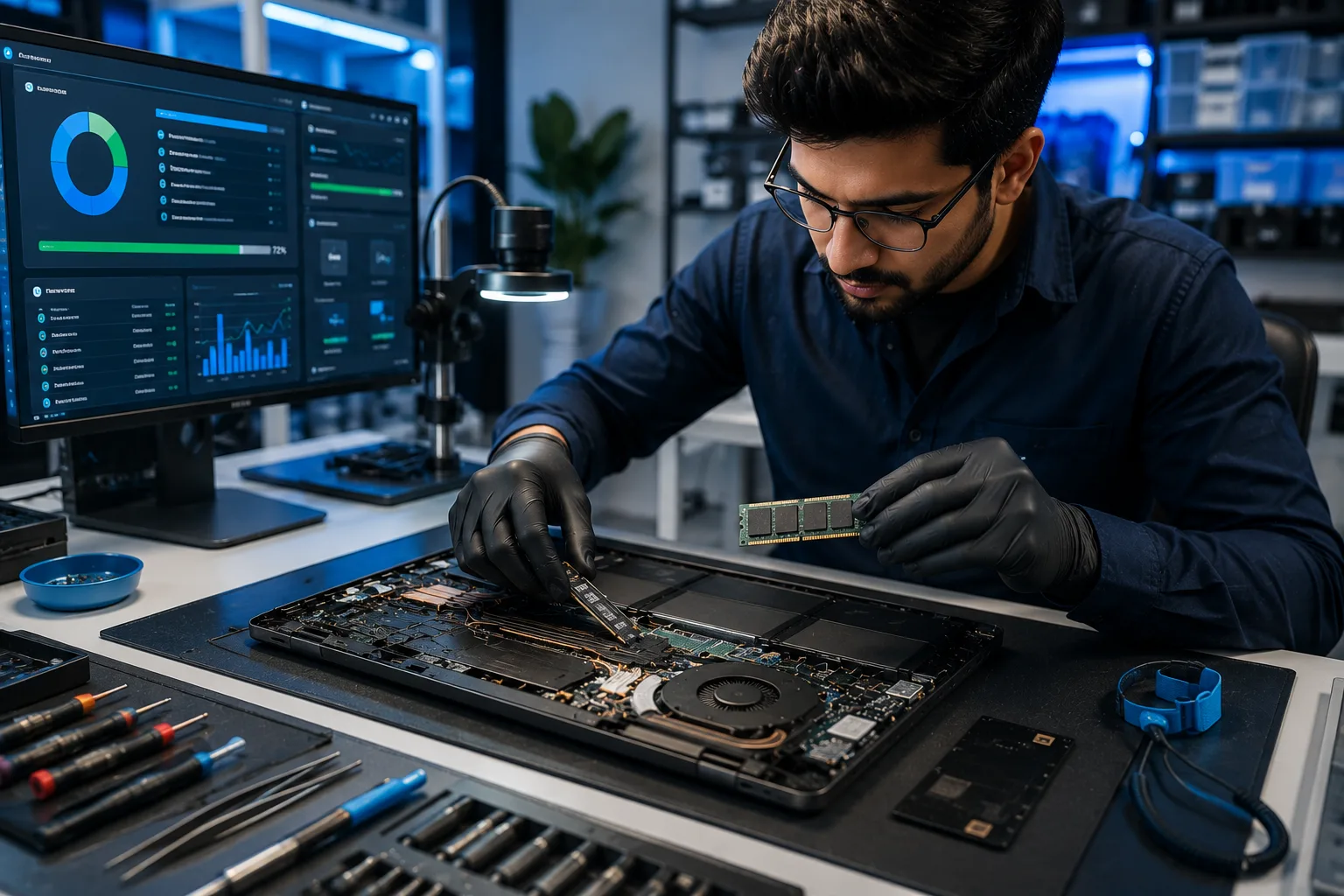
If your laptop needs several minutes just to reach the desktop, it's trying to tell you something.
A slow startup is often caused by:
- Aging hard drives
- Too many startup programs
- Outdated software
- Low storage space
A professional Computer Repair Service can diagnose the issue and recommend an SSD Upgrade, one of the fastest ways to dramatically improve boot time.
2. Applications Open Very Slowly
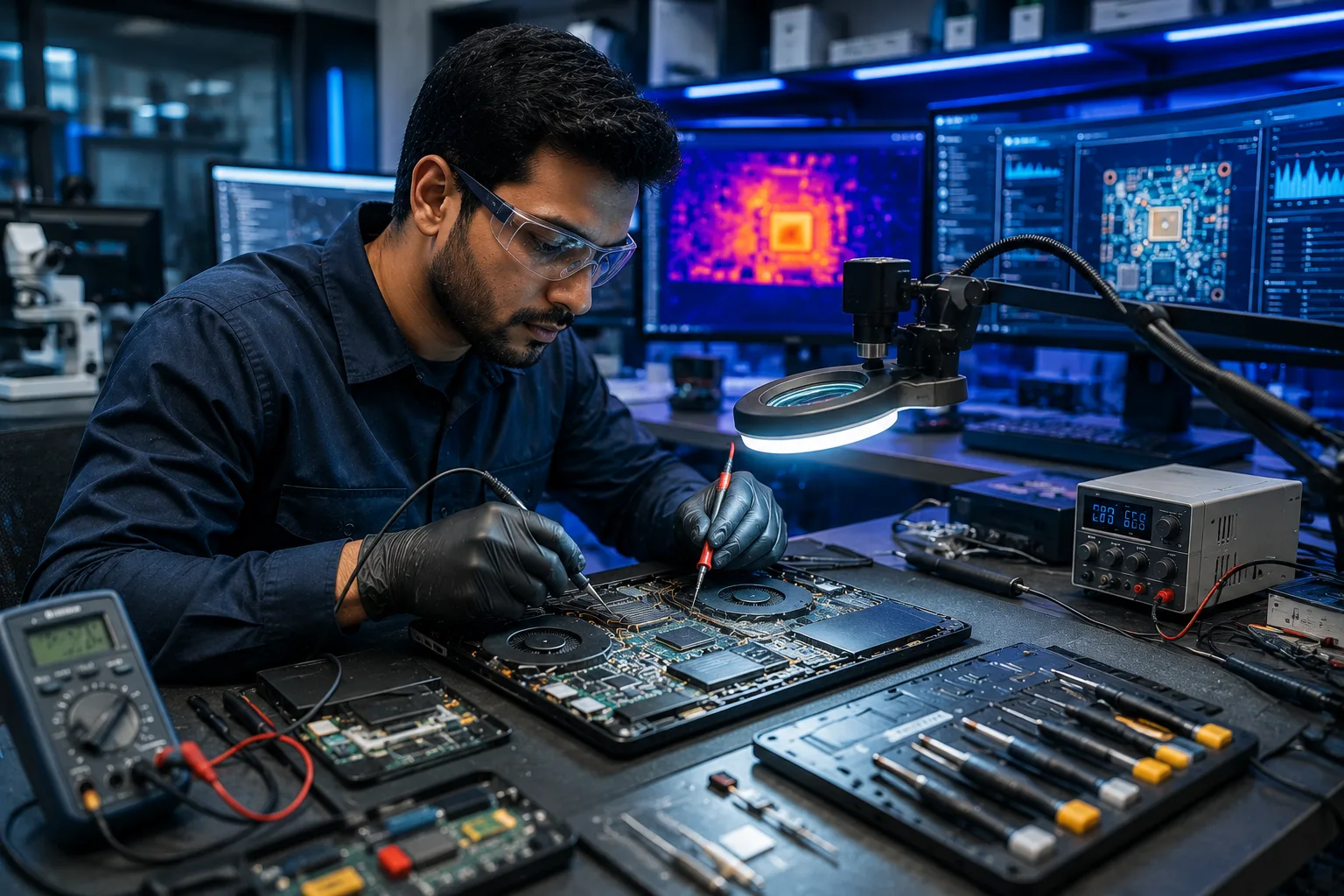
Does Microsoft Office, Chrome, or your business software take forever to launch?
This usually happens because your laptop struggles to process multiple tasks with limited memory.
A RAM Upgrade allows your laptop to handle more applications simultaneously, making everyday work smoother and more efficient.
3. Your Laptop Frequently Freezes

If your cursor stops responding or programs constantly become "Not Responding," don't ignore it.
Frequent freezing may indicate:
- Hardware problems
- Corrupted operating system files
- Faulty storage drives
- Insufficient RAM
Professional Laptop Hardware Repair helps identify the real cause before it develops into a more serious issue.
4. The Storage Is Almost Full
When your laptop's storage is nearly full, performance naturally slows down.
Deleting unnecessary files helps, but upgrading to a larger SSD provides:
- Faster file transfers
- Quicker application loading
- Improved overall system responsiveness
An SSD Upgrade is often the single best investment for extending the life of an older laptop.
5. Your Laptop Overheats Regularly
Does your laptop become too hot after only a short period of use?
Overheating may result from:
- Dust accumulation
- Faulty cooling fans
- Blocked air vents
- Aging thermal paste
Ignoring excessive heat can damage internal components over time. Regular servicing by experienced Laptop Repair Services keeps your system cool and reliable.
6. Strange Noises from the Laptop
Grinding, clicking, or buzzing sounds are never normal.
These noises may indicate:
- Hard drive failure
- Cooling fan issues
- Loose internal components
Visiting a trusted Computer Service Center early can prevent expensive repairs later.
7. Battery Drains Much Faster Than Before
If your fully charged battery lasts only an hour or less, it doesn't necessarily mean you need a new laptop.
Professional technicians can determine whether the issue is caused by:
- Battery wear
- Charging circuits
- Background applications
- Software problems
Often, replacing the battery is far more economical than replacing the entire laptop.
8. Frequent Error Messages or Blue Screens
Unexpected crashes or Blue Screen of Death (BSOD) errors are warning signs you shouldn't ignore.
These problems often result from:
- Driver conflicts
- Corrupted operating systems
- Memory failures
- Hardware defects
Expert Computer Repair Services use advanced diagnostic tools to identify and fix these issues safely.
9. Your Laptop Can't Handle Everyday Tasks
If simple activities like video calls, web browsing, or opening spreadsheets make your laptop struggle, the hardware may simply need an upgrade.
Instead of buying a new system, experienced technicians may recommend:
- SSD Upgrade
- RAM Upgrade
- Operating system optimization
- Internal cleaning
These affordable improvements often deliver a noticeable boost in speed and performance.
10. You've Never Had Your Laptop Professionally Serviced
Just like a car, laptops benefit from regular maintenance.
Routine servicing includes:
- Internal cleaning
Software optimization
- Virus removal
- Hardware inspection
- Performance testing
- Security updates
Preventive maintenance not only improves speed but also extends the overall lifespan of your laptop.
Repair or Replace? The Smarter Choice
Many people assume a slow laptop has reached the end of its life. In reality, most performance issues can be solved with professional Laptop Repair Services, Computer Repair Services, and affordable hardware upgrades.
Instead of spending on a brand-new device, consider having your laptop inspected by experienced technicians. A simple SSD Upgrade, RAM Upgrade, or Laptop Hardware Repair could save you money while giving your laptop a new lease on life.
At Gizmo India, we help students, professionals, and businesses restore their laptops with reliable diagnostics, genuine spare parts, and expert repair solutions.
Explore Our Laptop Repair Services
Final Thoughts
A slow laptop doesn't always mean it's time for an expensive replacement. In many cases, the right repairs and upgrades can restore excellent performance, improve productivity, and extend the life of your device by several years.
If you've noticed any of these warning signs, don't wait for complete hardware failure. Visit a trusted Computer Service Center and let experienced professionals evaluate your system.
The right repair today could save you thousands tomorrow.
Frequently Asked Questions
1. Why is my laptop running slow even after restarting it?
Slow performance may be caused by outdated hardware, insufficient RAM, malware, storage issues, or failing components. Professional Laptop Repair Services can accurately diagnose the problem.
2. Is an SSD Upgrade really worth it?
Yes. An SSD Upgrade is one of the most effective ways to improve boot speed, application loading, and overall system performance, especially on older laptops.
3. How much difference does a RAM Upgrade make?
A RAM Upgrade helps your laptop run multiple applications smoothly, improves multitasking, and reduces lag during everyday use.
4. Should I repair my laptop or buy a new one?
If your laptop is less than 6–7 years old and the core components are in good condition, professional Laptop Repair Services and hardware upgrades are often much more cost-effective than buying a new laptop.
5. Why choose Gizmo India for Laptop Repair Services?
Gizmo India provides trusted Laptop Repair Services, Computer Repair Services, Laptop Hardware Repair, SSD Upgrades, RAM Upgrades, virus removal, and professional diagnostics using genuine parts and experienced technicians.
Related Services
Explore more solutions from Gizmo India:
Need Your Laptop Running Like New Again?
Don't let a slow laptop affect your productivity. Whether it's a simple RAM Upgrade, an SSD Upgrade, or complete Laptop Hardware Repair, the experts at Gizmo India are ready to help.
Talk to the Gizmo India team for diagnostics, repairs, maintenance, and upgrades.
Contact Gizmo India