
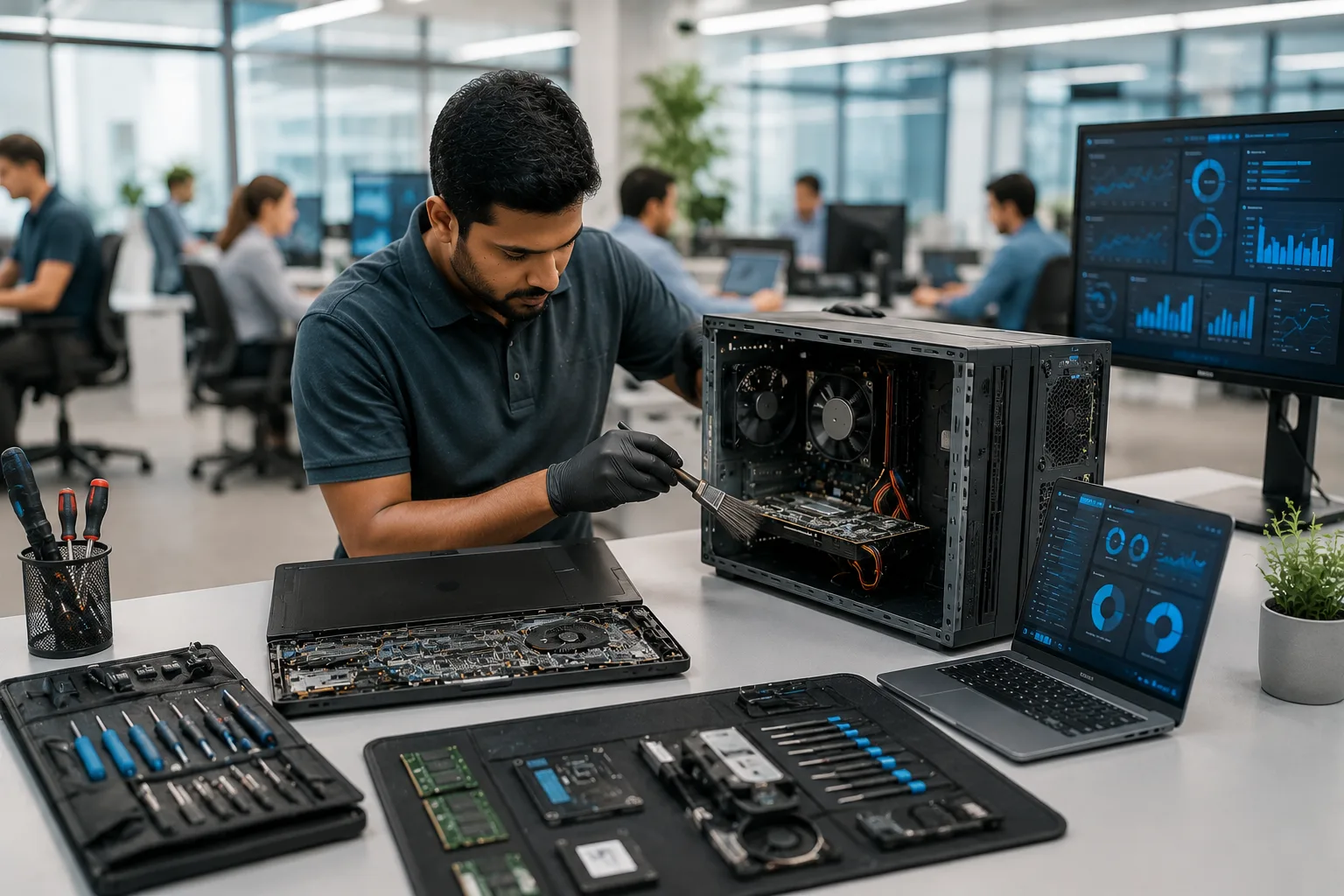
Have you ever noticed how a brand-new laptop feels incredibly fast, but after a few years, even opening a browser seems to take forever?
Many people assume that a slow computer means it's time to buy a new one. In reality, that's not always true.
Just like a car needs regular servicing to perform at its best, your laptop or desktop also requires routine maintenance. Dust accumulates inside, software becomes outdated, storage fills up, and hardware gradually wears down. Without proper care, even a high-end computer can become slow, noisy, and unreliable.
The good news? Regular Computer Maintenance Services, combined with timely SSD Upgrade Services, RAM Upgrades, and professional Computer Repair Services, can dramatically improve performance while extending the life of your device.
Let's explore how proper maintenance can keep your computer running like new.
Why Computer Maintenance Matters
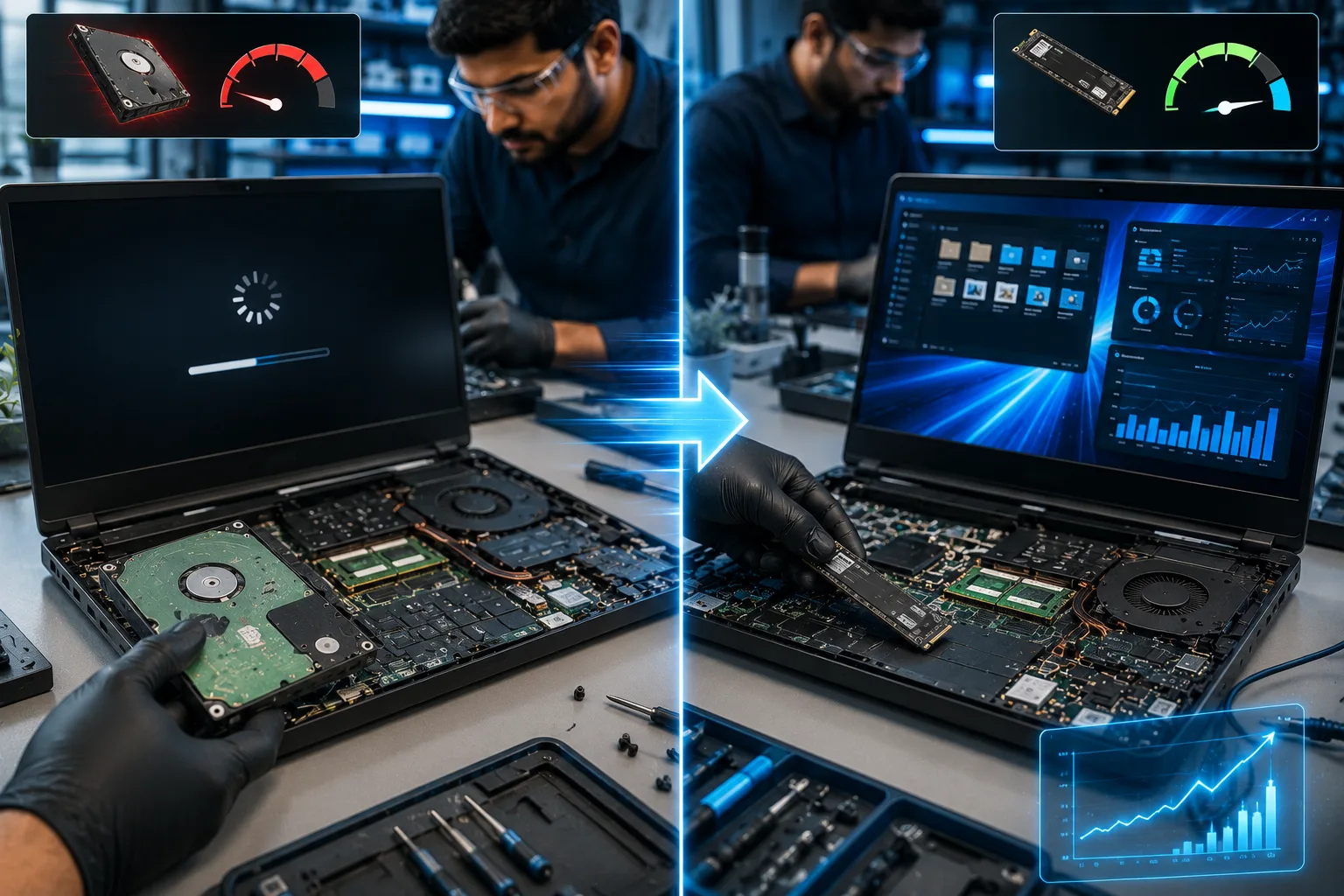
Whether you're a business owner, student, freelancer, or gamer, your computer plays an important role in your daily life. Ignoring routine maintenance can lead to:
- Slow performance
- Frequent crashes
- Overheating
- Data loss
- Virus infections
- Reduced hardware lifespan
Professional Computer Maintenance Services help identify small issues before they become expensive repairs, saving both time and money.
Think of maintenance as preventive care—fixing minor problems today helps avoid major breakdowns tomorrow.
Give Your Computer a New Life with an SSD Upgrade
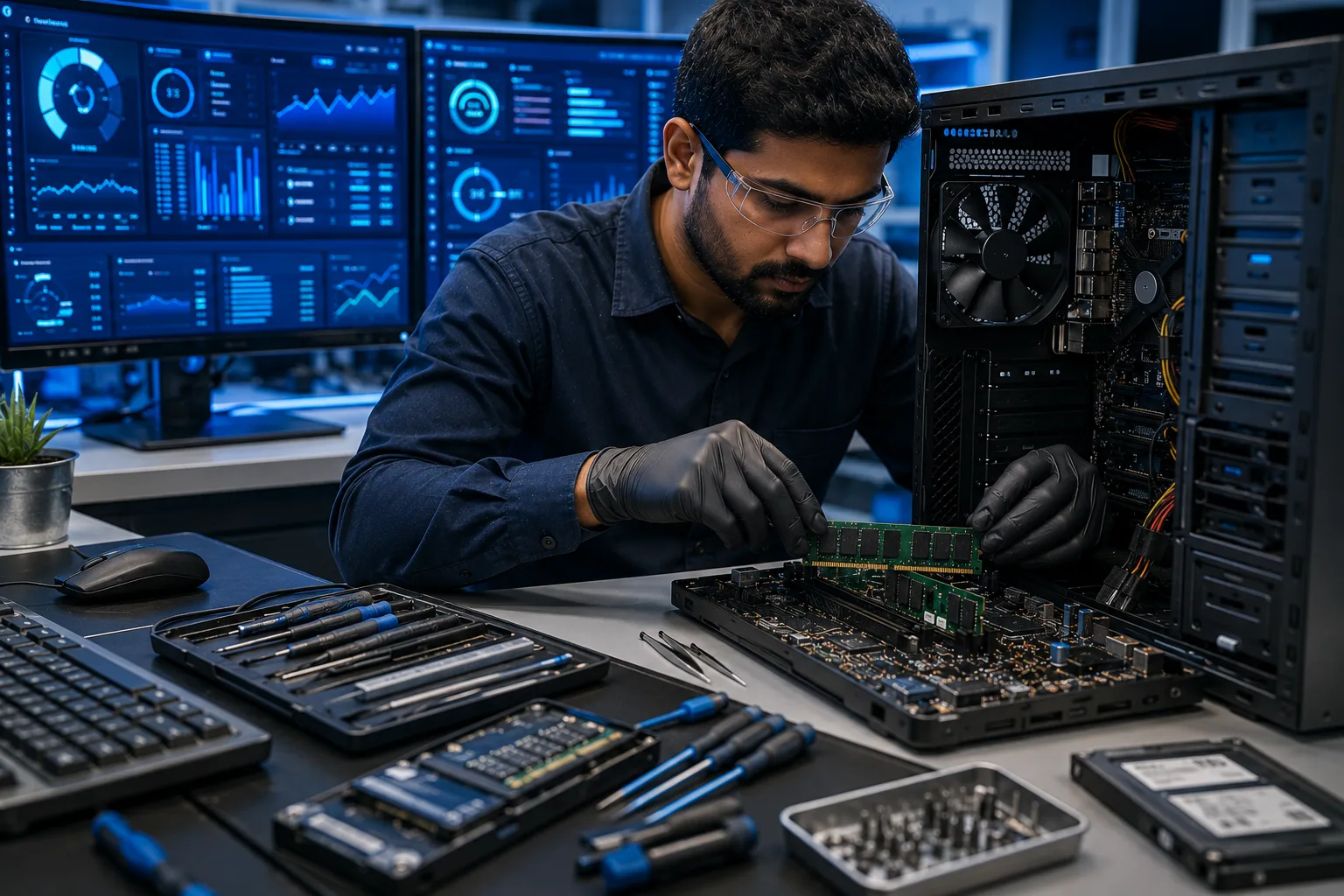
One of the biggest reasons older computers feel slow is the traditional hard drive (HDD).
Replacing it with a Solid State Drive (SSD) is one of the most effective upgrades you can make.
Benefits of SSD Upgrade Services:
- Faster startup times
- Quick application loading
- Improved file transfer speeds
- Better multitasking
- Lower power consumption
- Increased reliability
Many users are surprised that a simple SSD Upgrade can make a five-year-old laptop perform almost like a new one.
RAM Upgrade: Smooth Multitasking Without the Lag
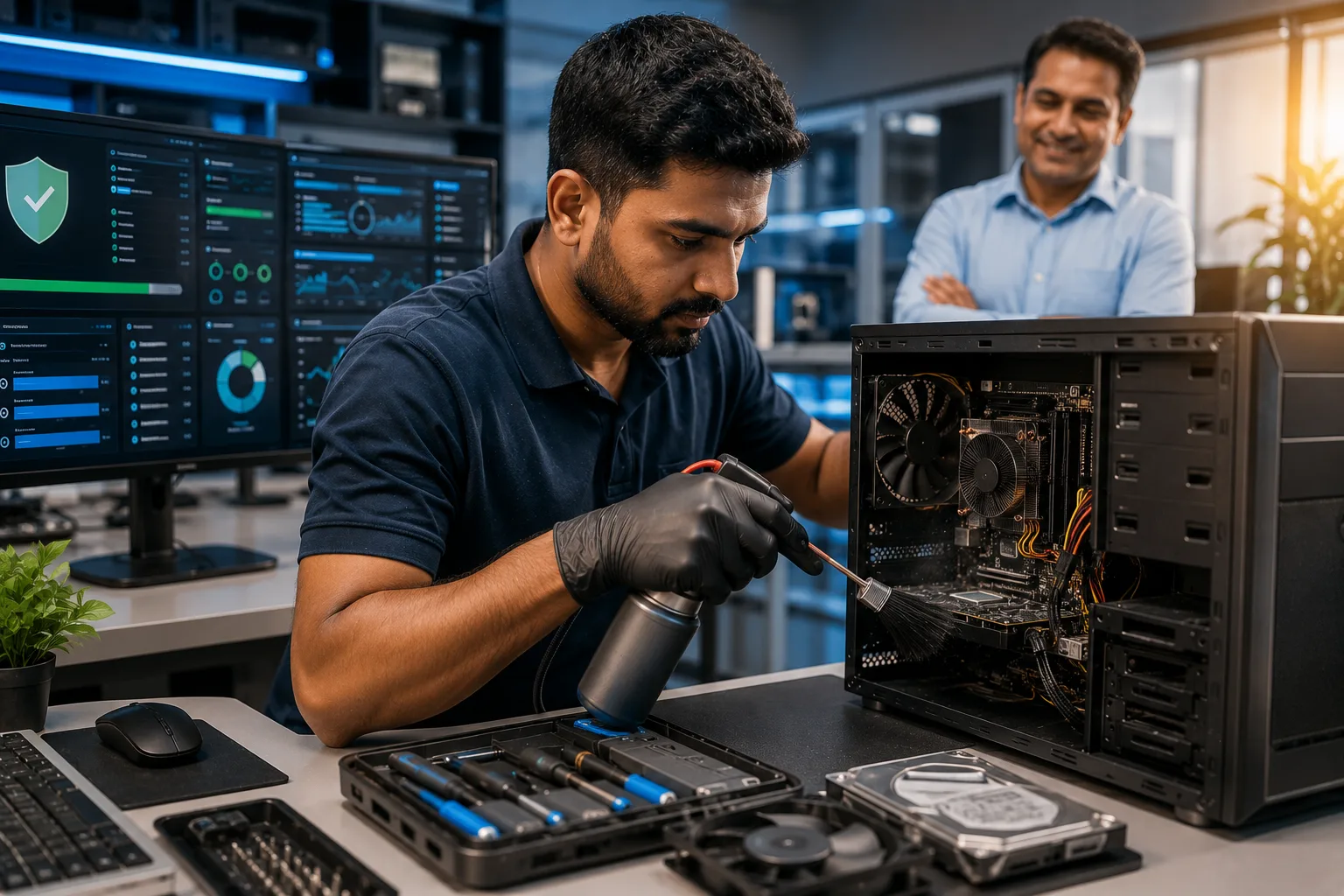
Does your laptop slow down when multiple applications are open?
The issue may not be your processor—it could simply be insufficient memory.
A professional RAM Upgrade helps your system:
- Handle multiple applications simultaneously
- Improve browsing speed
- Enhance video conferencing performance
- Speed up office applications
- Reduce freezing and lag
For professionals working with design software, accounting applications, or multiple browser tabs, additional RAM can significantly improve productivity.
Don't Ignore Warning Signs
Many computer problems begin with small symptoms that are easy to overlook.
Watch for signs like:
- Slow boot times
- Frequent freezing
- Blue screen errors
- Loud fan noise
- Overheating
- Unusual hard drive sounds
- Battery draining quickly
- Applications crashing regularly
These are often early indicators that your system needs professional attention.
Instead of waiting for a complete failure, visit a trusted Computer Service Center where a Professional Computer Technician can perform detailed diagnostics and recommend the right solution.
Regular Maintenance Protects Your Data
Most people only think about backups after losing important files.
Professional Computer Maintenance Services include:
- Health checks
- Software updates
Virus and malware removal
- Storage optimization
- Backup verification
- Security updates
- Hardware inspection
Routine maintenance not only improves speed but also reduces the risk of unexpected data loss and costly repairs.
Why Choose Professional Computer Repair Services?
While there are plenty of online tutorials and DIY videos, computer hardware is becoming increasingly complex.
Attempting repairs without proper knowledge can lead to:
- Permanent hardware damage
- Data loss
- Warranty issues
- Incorrect part replacements
Choosing experienced Computer Repair Services ensures your device is diagnosed correctly and repaired using genuine components by a Professional Computer Technician.
Whether you need Laptop Repair Services, desktop servicing, motherboard repairs, SSD Upgrade Services, or RAM Upgrades, professional support gives you peace of mind.
Keep Your Devices Running Longer
Replacing a laptop or desktop every few years can be expensive.
With regular maintenance and timely upgrades, many computers continue performing efficiently for several additional years.
At Gizmo India, our experienced technicians provide comprehensive Computer Maintenance Services, Laptop Repair Services, and Computer Repair Services for individuals, professionals, and businesses.
From routine servicing to advanced hardware upgrades, we help you get the best performance from your devices while reducing long-term costs.
Explore Our Computer Maintenance Services
Final Thoughts
A slow computer doesn't always mean it's time to replace it.
Regular Computer Maintenance Services, combined with professional SSD Upgrade Services, RAM Upgrades, and expert Computer Repair Services, can restore speed, improve reliability, and extend the lifespan of your laptop or desktop.
Whether you're working from home, running a business, or studying online, maintaining your computer is one of the smartest investments you can make.
Instead of waiting for a breakdown, schedule regular maintenance and let experienced professionals keep your technology performing at its best.
Frequently Asked Questions (FAQs)
1. How often should I get my laptop or desktop serviced?
Professional Computer Maintenance Services are recommended every 6 to 12 months, depending on usage. Businesses with heavy daily workloads may benefit from more frequent maintenance.
2. Is an SSD Upgrade better than buying a new laptop?
In many cases, yes. SSD Upgrade Services can dramatically improve boot speed, application loading, and overall system responsiveness at a much lower cost than purchasing a new computer.
3. When should I consider a RAM Upgrade?
If your computer becomes slow while multitasking, frequently freezes, or struggles with modern software, a RAM Upgrade is often an affordable and effective solution.
4. Why should I choose professional Computer Repair Services?
Professional technicians have the expertise and tools to diagnose hardware and software issues accurately, preventing unnecessary repairs and protecting your valuable data.
5. Why choose Gizmo India?
Gizmo India offers reliable Computer Maintenance Services, Laptop Repair Services, Computer Repair Services, SSD Upgrade Services, RAM Upgrades, and expert support from experienced Professional Computer Technicians using genuine components and industry best practices.
Related Services
Explore more solutions from Gizmo India:
Professional Computer Technician
Keep Your Computer Running Like New
Whether your laptop is slowing down, your desktop needs an upgrade, or your business requires reliable maintenance, Gizmo India is here to help. Our team combines technical expertise with genuine care to ensure your devices stay fast, secure, and dependable.
Talk to the Gizmo India team for diagnostics, repairs, maintenance, and upgrades.
Contact Gizmo India